

Imagine her lush curves and throbbing cock filling your vision, her sexy gaze locking onto yours as your own hard-on swells with every breath. The Quest 3 makes it real—wireless, razor-sharp, and ready to pull you into throbbing immersion with the hottest trans goddesses.
If you’re here, you already know what you’re looking for. This guide breaks down exactly how to watch trans VR porn on the Meta Quest 3—fast setup, best players, and the settings that actually make it feel real instead of just “another video.”
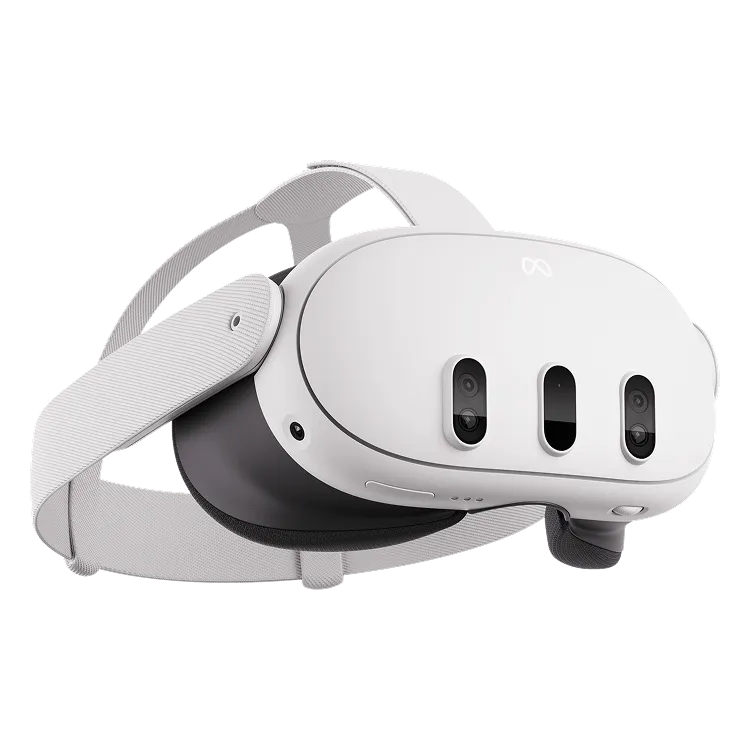
Quick Setup: Best Way to Watch Trans VR Porn on Quest 3
- Fastest method: Use the built-in Meta Quest Browser
- Best quality: Download 5K–8K videos and play locally
- Top players: HereSphere (best overall), DeoVR (free), PLAY’A (reliable)
- Recommended setup: 90Hz or 120Hz + wired headphones
This is the difference between “just watching” and actually getting pulled into it.
Why the Meta Quest 3 Works So Well for VR Porn
The Quest 3 removes most of the friction that used to kill immersion in VR.
- Resolution: 2064 × 2208 per eye (sharp enough for close-up scenes)
- Refresh rate: 90Hz / 120Hz for smooth motion
- Pancake lenses: clearer image, less blur
- Wireless: no cables to break immersion
- Built-in browser: instant access
In VR porn, everything is happening right in front of you. If the clarity or motion is off, it kills the effect. The Quest 3 gets close enough that scenes actually feel natural instead of staged.
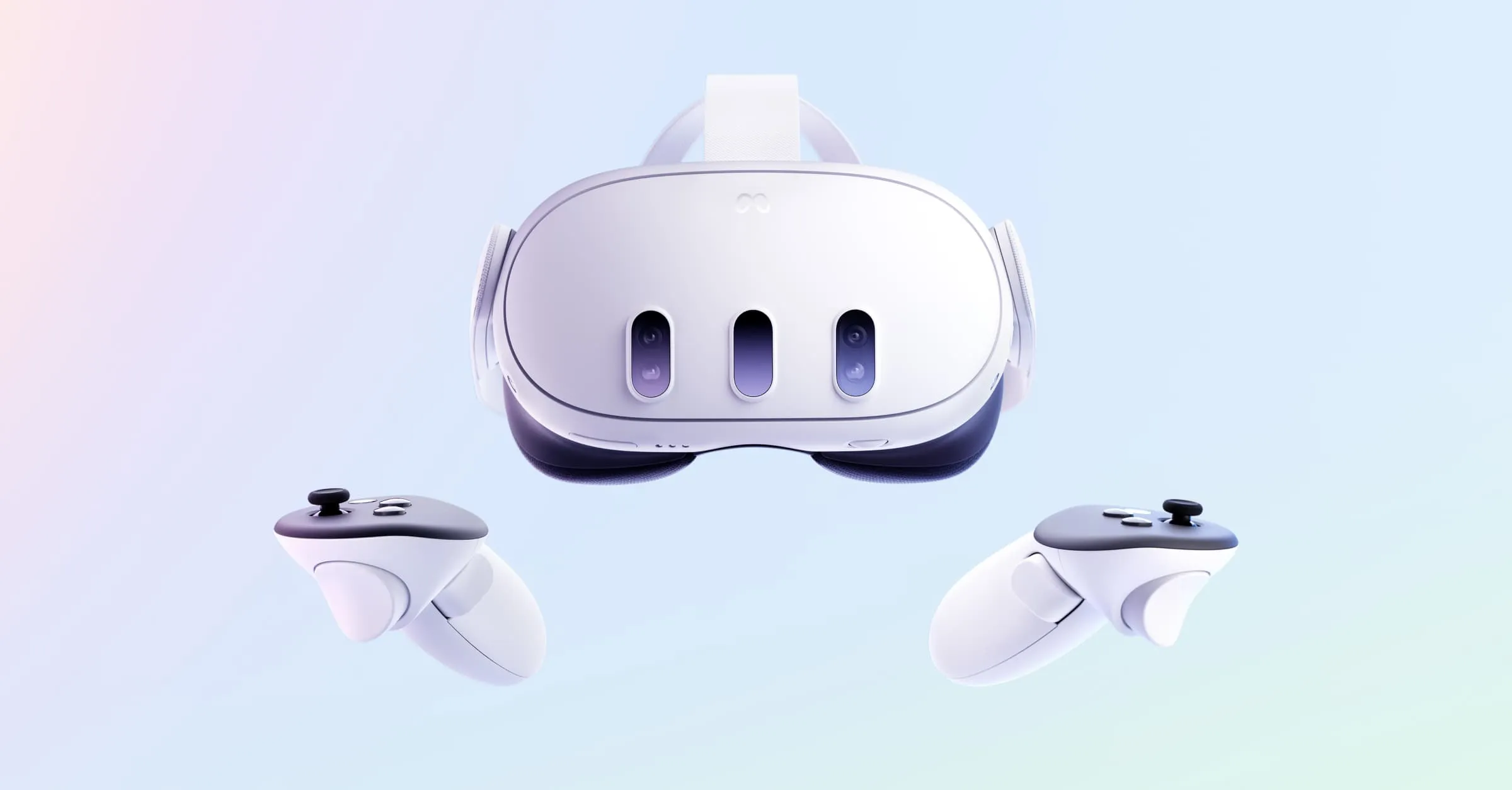
Setting Up Your Quest 3
Setup is quick:
- Charge the headset
- Install the Meta Quest app
- Connect to WiFi
- Set your boundary
- Pair controllers
Method 1: Browser Streaming (Fastest Option)
This is the easiest way to jump straight in.
- Open Meta Quest Browser
- Go to your preferred trans VR site
- Select a video
- Enable VR mode
Most sites use players like DelightXR, which automatically switch to immersive view.
Pros:
- Instant access
- No setup
- Easy to switch between scenes
Cons:
- Lower bitrate
- Depends on your connection
Good for exploring or when you don’t feel like managing files.
Method 2: Downloaded Videos (Best Quality)
If you want the full effect, this is where things step up.
5K–8K files have much higher bitrate, which means:
- sharper detail
- better depth
- less compression artifacts
That’s what makes scenes feel properly scaled and more convincing up close.
Recommended players:
- HereSphere – best overall (smooth playback, advanced controls)
- DeoVR – free and widely supported
- PLAY’A VR Player – simple and reliable
Transfer methods:
- USB-C connection to PC
- Allow file access in headset
- Move files into Movies or Downloads
Or use cloud storage if you want a wireless workflow.
Once loaded, the player handles format detection automatically.
Player Comparison
| Player | Best For | Notes |
|---|---|---|
| HereSphere | Advanced users | Best performance, passthrough, network streaming |
| DeoVR | Free streaming | Easy to use, strong compatibility |
| PLAY’A | Local playback | Stable and straightforward |
Optimizing Your Experience
- Refresh rate: Set to 90Hz or 120Hz
- Resolution: Increase render resolution if available
- Audio: Use wired headphones for proper spatial sound
Spatial audio adds a lot more than people expect—it helps sell the positioning and makes everything feel less flat.
For your setup:
- Use a swivel chair
- Keep your space clear
- Dim lighting to reduce glare
Privacy Settings
- Use Private Browser Mode
- Clear browsing data
- Disable usage tracking
Browser > Menu > New Private Window
Troubleshooting
Playback issues:
- Check WiFi
- Clear cache
- Try another player
Blurry image:
- Adjust headset position
- Clean lenses
- Recheck IPD
Discomfort:
- Start with shorter sessions
- Stay seated
Recommended Setup
- 5K–8K downloads
- HereSphere or DeoVR
- 90Hz or 120Hz
- Wired headphones
- Private browsing enabled
Final Thoughts
Once you’ve got everything dialed in, the difference is obvious. Higher resolution, smoother motion, and proper audio turn it from something you watch into something that actually feels close and reactive. Fine-tune it all, and the leap from stock to optimized hits like her lips on your skin: transformative, addictive. You’ll feel her curves pressing close, cock teasing yours, building that deep, aching surge until you can’t hold back.
Strap in now, let her take you. Your next throbbing release awaits—dive deeper, and never look back.
If you want to go deeper, start exploring our top 10 trans VR Porn performers.